
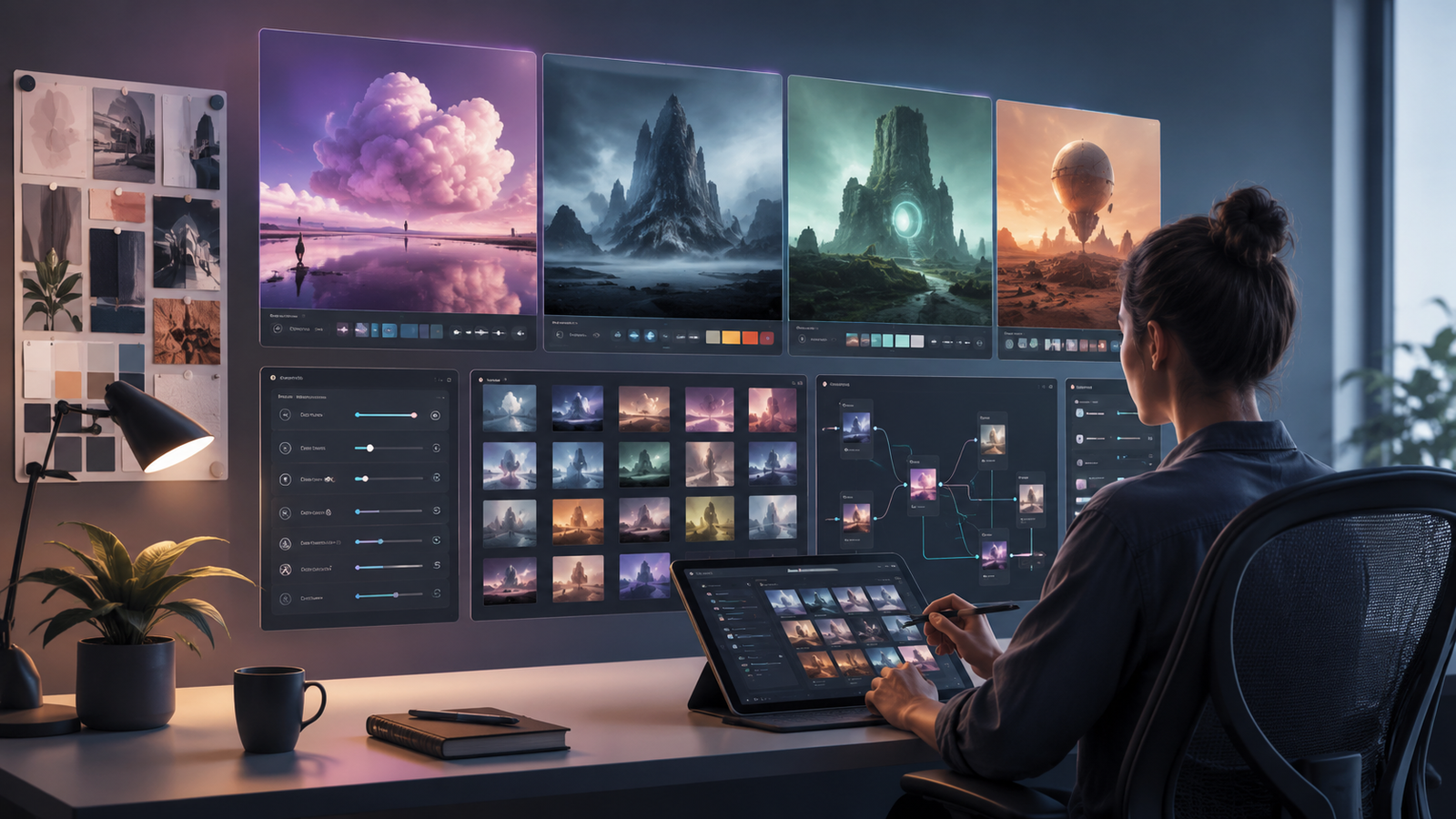
A practical framework for comparing AI image tools by workflow fit, iteration speed, control, collaboration, export needs and total cost instead of chasing a single “best” generator.
Editorial analysis is kept separate from provider claims and measured results. Automated tools may assist organization or drafting, while factual claims remain subject to sourcing and correction controls.
Editorial guidelines•Sourcing & verification•CorrectionsStart with the workflow, not the tool name
An AI image workflow can mean very different things: generating campaign concepts, producing product visuals, creating social media assets, exploring new styles, building brand graphics, or turning rough ideas into production-ready files.
Before comparing AI image tools, define the recurring job you actually need to complete and what a successful final output should look like.
A tool can look impressive in a demo and still be a poor fit for everyday production if it creates extra cleanup, editing, export, or handoff work. The strongest option is not necessarily the one that produces the most striking first image. It is the one that fits your complete workflow with the least unnecessary friction.
AI Orbit includes image and design tools such as Ideogram, Recraft, Krea, DreamStudio, FLUX Playground, and Freepik AI Suite. Their individual pages are useful starting points for research, but these products should not be treated as interchangeable. Each may suit a different type of creative workflow.
Compare the complete creation loop
The most useful way to compare AI image tools is to evaluate the full journey from an initial idea to a finished asset.
Look at how quickly you can:
- create a useful first draft
- make a targeted change
- preserve the parts that already work
- explore variations without starting over
- export the final result in the format you need
Generation speed alone can be misleading.
If a tool produces an image quickly but forces you to regenerate the entire composition whenever one small element needs changing, that speed may not translate into faster production.
Editing flexibility, iteration speed, consistency, and the amount of manual correction required afterward can matter just as much as the quality of the first output.
For teams, project organization also becomes important. Check whether prompts, references, variations, and final exports remain easy to find and whether another team member can continue the work without rebuilding the process from scratch.
Separate creative control from convenience
Convenience is valuable when the goal is fast ideation. Creative control becomes more important when outputs must follow a specific visual direction or brand standard.
Before comparing products, decide which controls are essential for your workflow.
Depending on the type of work you produce, useful capabilities may include:
- reference image support
- composition guidance
- aspect-ratio controls
- reusable styles
- text handling
- localized image editing
- background replacement
- variation controls
- consistent export options
Do not count a capability simply because it appears on a feature list. What matters is whether it works reliably enough for the assets you actually intend to publish.
If your workflow is exploratory, rapid iteration and a flexible creative canvas may matter more than detailed production controls.
If your workflow is brand-sensitive, repeatability, editing precision, and visual consistency may matter much more than generating a large number of variations.
Build a small evaluation pack
Instead of judging tools from vendor showcase images, create a small set of representative tasks and run the same tasks through the products you are considering.
A useful evaluation pack might contain five to ten tasks, including:
- a simple text prompt
- a difficult composition
- an image containing text
- a reference-driven generation task
- an edit of an existing image
- a task that must follow a specific visual style
Keep the prompts and reference images as consistent as possible.
For each tool, record:
- the quality of the first result
- the number of retries required
- time to an acceptable result
- consistency between generations
- how easy it is to make corrections
- how much external editing is still required
- how easy it is to hand the project to someone else
A small repeatable evaluation is usually more useful than comparing unrelated examples selected by different vendors.
Evaluate consistency, not just the best result
One excellent output does not necessarily make a tool reliable.
For production work, consistency matters.
Run similar prompts several times and check whether the product maintains the same level of quality. Pay attention to recurring problems such as inconsistent typography, distorted objects, unwanted composition changes, or difficulty preserving a particular style.
A tool that occasionally produces an exceptional image but requires many retries may be less useful than one that produces consistently good results with fewer attempts.
This becomes especially important when you are creating larger campaigns or multiple assets that need to feel visually connected.
Calculate the real cost of the workflow
Subscription price alone does not reveal the real cost of an AI image workflow.
Consider factors such as:
- monthly generation or credit limits
- how often images need to be regenerated
- premium or higher-resolution exports
- commercial usage requirements
- team seats
- additional editing software
- time spent correcting unusable outputs
A lower-priced plan can become expensive if producing a usable asset requires many retries.
A more expensive plan may provide better value if it consistently reduces generation time, manual editing, or dependence on additional software.
Where verified plan information is available, use AI Orbit's dedicated pricing pages to compare current pricing structures. Important pricing details should still be confirmed with the official provider before making a purchase because creative AI plans, credits, and usage limits can change over time.
Consider the rest of your creative stack
An AI image tool rarely operates in isolation.
Think about where the generated asset goes next.
For example, your workflow may include:
Idea → AI image generation → editing → brand review → resizing → publishing
A tool may be excellent at generation but still create friction if exported files do not fit naturally into the software your team already uses.
Check practical details such as:
- supported export formats
- resolution options
- transparency support
- project organization
- asset reuse
- collaboration features
- integration with your existing design workflow
The best tool is often the one that removes steps from the overall process rather than simply adding another generation interface.
Choose a primary workspace and keep a purposeful fallback
Most individuals and teams do not need several overlapping AI image subscriptions.
A simpler approach is to choose one primary workspace for the majority of creative work and keep a second product only when it solves a clearly different requirement.
For example, one tool might become your main environment for everyday image generation, while another is retained because it performs particularly well for typography, editing, style control, rapid experimentation, or another specialized task.
This makes the workflow easier to manage and reduces unnecessary subscription costs.
Reevaluate the stack when:
- your production requirements change
- a major new capability becomes available
- pricing changes significantly
- your current tool starts creating workflow friction
Avoid choosing solely from benchmark-style comparisons
AI image generation is highly dependent on the type of asset being created.
A product that performs well for artistic illustrations may not be the best choice for product photography, advertising graphics, typography, or brand-sensitive design work.
That is why a universal ranking can only tell part of the story.
Use comparisons to narrow the options, then test the strongest candidates using your own prompts, references, and production requirements.
The question should not simply be:
“Which AI image generator is best?”
A more useful question is:
“Which AI image workspace produces usable results most reliably for my specific workflow?”
Focus on the production system, not a permanent winner
AI creative products change quickly. Features improve, pricing changes, new editing controls appear, and tools that were once highly specialized can evolve into broader creative platforms.
Because of that, there may never be one permanent winner.
A better objective is to build a repeatable image-production system that:
- produces the quality you need
- gives you enough creative control
- minimizes unnecessary retries
- reduces manual cleanup
- fits naturally into your existing workflow
- remains affordable at your actual usage level
The best AI image workspace is ultimately the one that helps you move from an idea to a finished, usable asset with the least unnecessary effort.


