
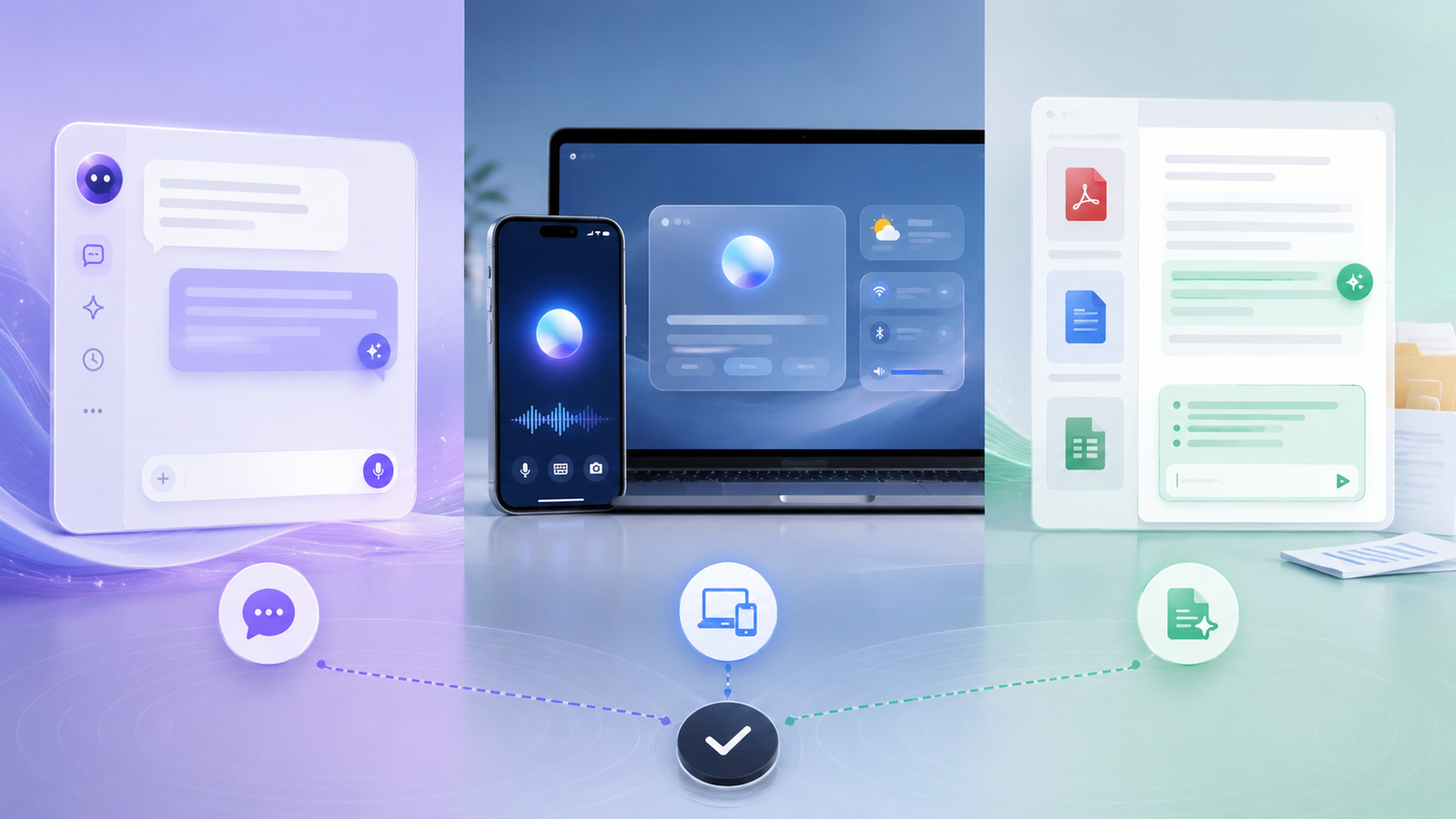
A practical way to choose an AI assistant by where the work happens: open conversational work, device-level assistance or document-centered workflows.
Editorial analysis is kept separate from provider claims and measured results. Automated tools may assist organization or drafting, while factual claims remain subject to sourcing and correction controls.
Editorial guidelines•Sourcing & verification•CorrectionsChoose the assistant category before the product
AI assistants are often compared as if they were interchangeable chat boxes, but the biggest practical difference may be where the assistant lives, what context it can access, and how naturally it fits into the work you already do.
A general AI assistant is useful across a wide range of open-ended tasks.
A device-integrated assistant can reduce friction by working more closely with the operating system, personal devices, or everyday applications.
A document-focused assistant is usually more specialized, concentrating on reading, summarizing, extracting, and working with files.
Before comparing products, decide which assistant category best matches the work you repeat.
AI Orbit includes assistants and products such as HuggingChat, Apple Intelligence, Acrobat AI Assistant, and ChatGPT across this broader landscape.
The useful question is not:
“Which assistant is best overall?”
A better question is:
“Which type of assistant removes the most friction from the workflows I actually perform?”
Start with the workflow the assistant needs to support
Write down the tasks you want the assistant to perform regularly.
Examples might include:
- drafting and rewriting
- researching a question
- summarizing documents
- extracting structured information
- answering questions about files
- helping with device tasks
- creating tables or lists
- continuing multi-step work
- comparing information from several sources
Then identify which type of assistant is naturally suited to that workflow.
A general assistant may be the strongest option when the work changes from task to task.
A document-focused assistant may be more useful when the work consistently starts with PDFs, reports, contracts, manuals, or other files.
A device-integrated assistant may create the most value when convenience inside the existing device ecosystem matters more than moving information into a separate application.
Map the context the assistant actually needs
An assistant is only useful if it has enough context to complete the task.
List the information required for each workflow.
For example:
- one document
- several files
- current web information
- device context
- email or calendar context
- source code
- a spreadsheet
- only the text you provide manually
The amount of context matters because it affects both convenience and risk.
If users must constantly copy and paste information into the assistant, the workflow can become slow and repetitive.
If the assistant has broad integrations and access to multiple systems, the workflow may become smoother, but privacy and permission requirements also become more important.
Start with the smallest level of access that can complete the task.
Do not grant broad integrations simply because they are available.
Compare context handling, not just response quality
A polished answer can hide a weak workflow.
Test how the assistant handles the information it receives.
Useful questions include:
- Can it work with the full document?
- Can it preserve context across several steps?
- Can it distinguish between separate files?
- Can it cite or point back to the source?
- Can it handle long documents reliably?
- Can it continue a task without repeatedly asking for the same information?
For document-heavy workflows, source handling and traceability may matter more than conversational style.
For brainstorming or drafting, flexibility and speed may matter more.
Define which type of context handling matters before you compare assistants.
Evaluate handoff to the next step
An assistant should help move work forward.
Test what happens after the response is generated.
Can you easily:
- copy the result into another application
- export structured information
- continue editing the output
- verify the original source
- turn a summary into a draft
- move the result into a table
- continue the workflow on another device
A response can be accurate and still create friction if the output is difficult to reuse.
The most valuable assistant is often the one that reduces the number of manual steps between the question and the finished task.
Test verification carefully
AI assistants can produce confident responses even when information is incomplete or misunderstood.
That makes verification an important part of the workflow.
For research and document tasks, check whether the assistant makes it easy to:
- identify source passages
- review citations
- compare the answer with the original document
- locate the supporting section
- distinguish sourced information from generated interpretation
For creative work, strict source verification may be less important.
For legal, financial, technical, or business-critical work, verification may be essential.
The evaluation should reflect the risk level of the task.
Treat privacy as a workflow requirement
Privacy should be defined before adoption, not after the assistant is already part of everyday work.
Decide what types of information users are allowed to provide.
Examples might include:
- public information
- internal documents
- customer data
- confidential business information
- personal information
- source code
- regulated data
Consumer, business, and enterprise offerings can provide different controls.
Device-integrated assistants may access different types of local or account context.
Document assistants may process uploaded files in different ways.
Review the provider's current privacy, retention, and data-use terms when the workflow involves sensitive information.
Do not assume that paying for a product automatically makes every use case appropriate.
Data classification and access control remain separate decisions.
Use the minimum access necessary
Broad access can make an assistant more convenient, but it also increases the amount of information the system can potentially process.
For each workflow, ask:
“What is the minimum access needed to complete this task?”
A copy-and-paste workflow may be enough for occasional use.
A document upload may be appropriate for file-based work.
A deeper device or application integration may only be justified if it provides meaningful ongoing value.
Starting with limited access makes it easier to evaluate the assistant without introducing unnecessary security or privacy exposure.
Create a short task-based evaluation
Use real tasks instead of generic demo prompts.
Build a small evaluation set that reflects the work you actually perform.
For example:
- summarize a document
- draft a professional response
- research a question
- turn notes into a table
- extract key facts from a file
- continue a multi-step task
- rewrite content in a specific style
- compare information from two sources
Run the same relevant tasks across the assistants you are considering.
Record:
- time to a usable result
- number of corrections required
- how much context had to be moved manually
- how easy the answer was to verify
- whether the assistant remembered relevant context
- how easily the result moved into the next step
A short repeatable test is usually more useful than comparing isolated screenshots or vendor demonstrations.
Compare the assistants by friction removed
The best assistant is not necessarily the one with the most features.
A better measure is how much friction it removes from the workflow.
For each task, note the number of steps required from start to finish.
For example:
Without assistant:
Open file → read manually → extract facts → write summary → format output
With assistant:
Open assistant → attach file → ask question → verify result → use output
If the second workflow is consistently faster and still meets your quality and privacy requirements, the assistant is creating real value.
Decide whether one assistant is enough
You may not need one assistant to handle every type of work.
A general assistant can be useful for broad writing, reasoning, and research tasks.
A specialist document assistant can be useful when source-based file work is a major part of the job.
A device-integrated assistant can be useful when reducing friction inside a personal computing environment is the priority.
Using more than one assistant is reasonable when the roles are clearly different.
The problem begins when several products overlap heavily and users are unsure which one should be used.
Keep the assistant stack simple
If multiple assistants are adopted, define a clear purpose for each one.
For example:
General assistant → writing, brainstorming, research
Document assistant → PDFs, reports, file analysis
Device assistant → device-level actions and contextual convenience
This reduces duplicated subscriptions and makes training easier.
It also creates clearer rules for privacy and approved use.
Reevaluate when the workflow changes
Assistant products evolve quickly.
Integrations, privacy controls, context limits, pricing, and supported workflows can change.
Review the decision when:
- a major new capability appears
- pricing changes
- your organization's privacy requirements change
- a new integration becomes important
- the current assistant creates repeated friction
- another product handles a key workflow significantly better
Do not treat the initial choice as permanent.
Choose the assistant that fits the work
The strongest assistant is not the one with the biggest brand name or the longest feature list.
It is the one that fits the work you actually perform.
Evaluate:
- where the assistant lives
- what context it needs
- how easily results can be verified
- how smoothly output moves to the next step
- privacy and permission requirements
- total workflow friction
The goal is not to choose one universal AI assistant.
The goal is to build an assistant workflow that is useful, understandable, safe, and easy to maintain.


