
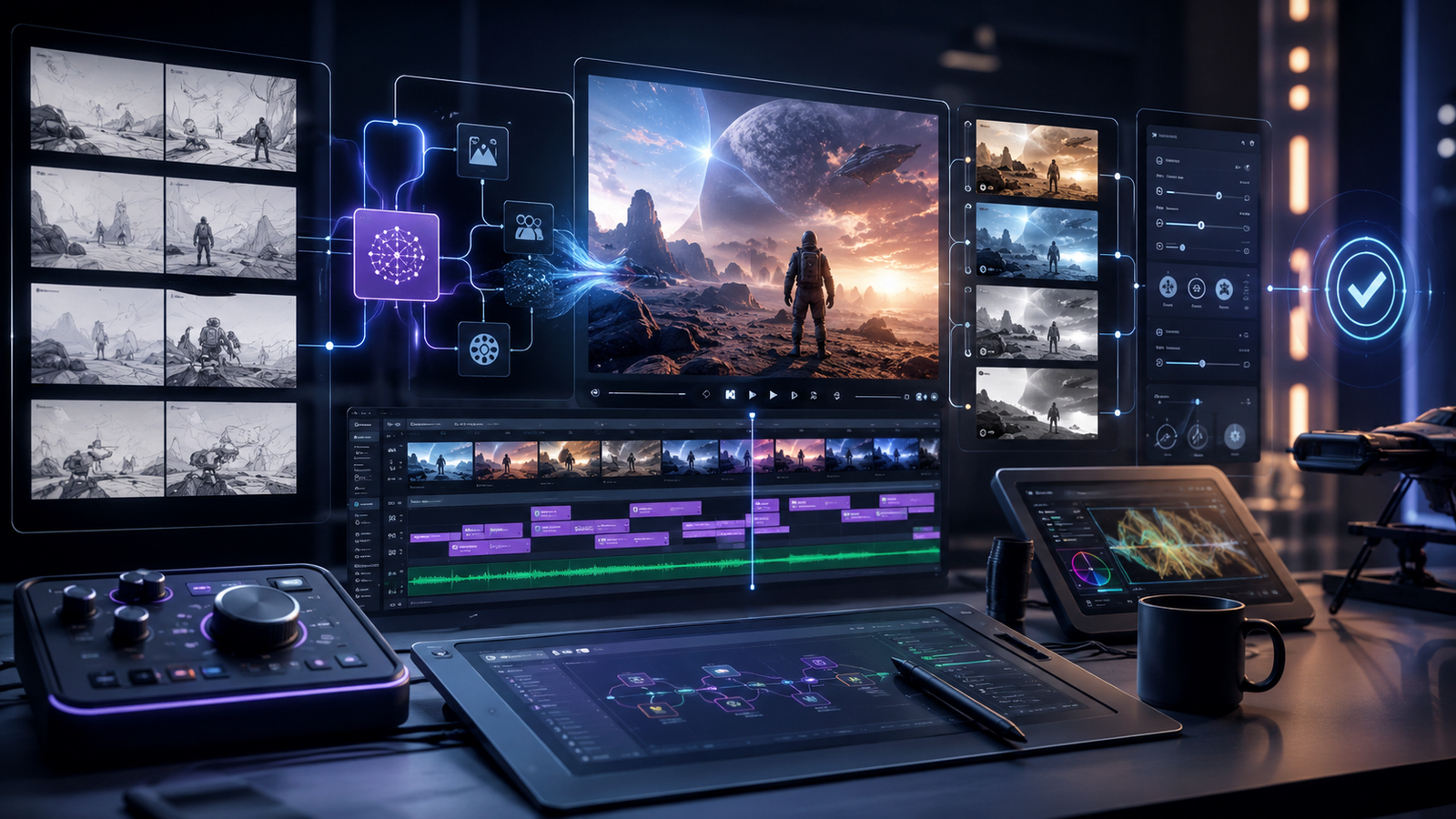
A workflow-first framework for comparing AI video products by shot planning, controllability, iteration, consistency, editing handoff, review time and cost.
Editorial analysis is kept separate from provider claims and measured results. Automated tools may assist organization or drafting, while factual claims remain subject to sourcing and correction controls.
Editorial guidelines•Sourcing & verification•CorrectionsEvaluate a sequence, not a single impressive clip
A single AI-generated video clip can look impressive while the overall production workflow remains slow, expensive, or difficult to control.
Real video production usually involves more than generating one successful shot. A project may require:
- multiple shots
- consistent subjects or characters
- controlled camera movement
- matching visual style
- specific timing
- revisions
- review
- editing
- final delivery
That is why the most useful unit of evaluation is not one clip.
It is a short sequence.
Create a small storyboard containing three to five shots and use that same sequence when comparing AI video tools.
AI Orbit includes products such as Dream Machine, Pika, and Runway within the broader AI video-generation ecosystem. Compare them against the same production brief rather than judging them from unrelated showcase videos.
The useful question is not:
“Which tool can generate the most impressive clip?”
A better question is:
“Which workflow can turn my storyboard into usable footage with the least unnecessary effort?”
Start with a clear shot brief
Before generating anything, define what each shot needs to accomplish.
For every shot, document elements such as:
- subject
- environment
- composition
- camera movement
- duration
- aspect ratio
- visual style
- starting or reference frame
- important motion
- elements that must remain consistent
This creates a repeatable test.
Without a defined brief, it is easy to prefer whichever generation happens to look more visually dramatic even if it does not follow the production requirements.
A clear shot brief also makes failures easier to diagnose.
Instead of saying that a result “doesn't look right,” you can identify whether the problem is composition, motion, identity, timing, style, or another controllable element.
Define your control requirements before testing
Creative control becomes increasingly important as a project moves from experimentation to production.
Write down which elements must remain stable.
Depending on the project, these may include:
- subject identity
- clothing or product appearance
- composition
- background
- camera direction
- camera speed
- motion
- duration
- aspect ratio
- lighting
- visual style
- reference-frame similarity
Then test whether the workflow lets you change one dimension without unnecessarily rebuilding everything else.
For example, if the composition is correct but the camera movement is wrong, can you adjust the motion while preserving the rest of the shot?
If every small correction requires a completely new generation, iteration can become expensive and unpredictable.
Separate ideation speed from production control
Some AI video tools may be excellent for rapid visual experimentation.
That does not automatically make them the strongest option for controlled production.
For early ideation, you may prioritize:
- speed
- variety
- visual surprise
- easy prompting
For later production stages, you may care more about:
- repeatability
- precise revision
- reference control
- consistency
- predictable exports
Evaluate these requirements separately.
A tool that is excellent for brainstorming may still need to be paired with another workflow when a project requires tighter production control.
Test both easy and difficult shots
Do not evaluate a video-generation workflow using only prompts that are likely to succeed.
Include both straightforward and difficult shots.
An evaluation set might include:
- a static subject with simple movement
- a controlled camera move
- multiple moving elements
- a human or character
- an object that must remain visually consistent
- a difficult interaction
- a shot based on a reference image
Easy shots show the best-case workflow.
Difficult shots reveal what happens when the model or tool begins to struggle.
Those difficult cases are often more useful for estimating real production effort.
Track attempts per accepted shot
For every shot that you ultimately accept, record how many generations were required.
This produces an important metric:
Accepted-shot rate
For example, if you generate ten versions before finding one usable shot, the apparent generation speed may hide substantial iteration cost.
Track:
- total attempts
- usable attempts
- rejected attempts
- reason for rejection
Common rejection reasons might include:
- incorrect motion
- identity drift
- unwanted objects
- distorted anatomy
- inconsistent style
- camera errors
- poor composition
Over several shots, this data gives a much more useful view of reliability than one successful demo.
Measure time to an approved shot
Generation time alone is not enough.
A better metric is:
Prompt or reference → approved shot
Include the complete process:
- prompt preparation
- generation queue
- generation time
- retries
- review
- manual editing
- export
A tool may generate clips quickly but still have a slow production workflow if many attempts are required.
Another product may take slightly longer per generation but produce acceptable results more consistently.
The second workflow could be faster overall.
Track iteration cost in both time and usage
AI video generation can involve usage credits, generation limits, queue time, or other resource constraints.
For each accepted shot, record:
- number of attempts
- total generation time
- waiting time
- credits or usage consumed
- manual editing time
- external processing required
This lets you estimate:
Cost per accepted shot
rather than simply comparing monthly plan prices.
A higher-priced subscription can provide better production value if it significantly reduces failed generations.
Likewise, a lower-cost plan can become expensive if every usable shot requires many attempts.
Where AI Orbit provides verified pricing information, use it as part of the comparison and confirm important current limits with the official provider before making a production commitment.
Evaluate consistency across the sequence
A video sequence needs to feel connected.
Look for consistency in:
- subject appearance
- product design
- environment
- lighting
- color palette
- visual style
- camera language
- scale
A collection of individually attractive clips can still fail as a sequence if every shot looks like it belongs to a different production.
Test how effectively references, starting frames, prompts, or other available controls help maintain continuity.
If consistency requires significant manual correction, include that work in your evaluation.
Test revision instead of only regeneration
Production workflows involve feedback.
Someone may ask:
“Keep everything the same, but make the camera move slower.”
or:
“Use the same shot but change the background.”
or:
“Keep the character and composition but extend the action.”
Test how the workflow handles this type of revision.
The difference between revision and regeneration is important.
A tool that can preserve useful parts of a shot while changing one requirement may save considerable production time.
If every revision starts from zero, the workflow becomes much harder to predict.
Plan the editing handoff
Generated video rarely exists in isolation.
Eventually, clips need to enter a normal editing workflow.
Check practical export details such as:
- resolution
- aspect ratio
- frame rate
- file format
- compression
- clip duration
- audio support
- transparency where relevant
Then import the generated footage into the editing system your team actually uses.
Do not assume that an exported clip is production-ready simply because it plays correctly in the generation platform.
Test the real handoff.
Include post-production in the evaluation
AI-generated footage may still require traditional editing.
Possible post-production work includes:
- trimming
- speed adjustment
- color correction
- stabilization
- compositing
- sound design
- transitions
- text
- visual cleanup
Record how much work remains after generation.
A tool that consistently produces footage requiring less cleanup can provide more value even if its initial generation cost is higher.
Keep prompts, references, and versions organized
AI video workflows can generate many versions very quickly.
Without organization, teams can lose track of:
- which prompt produced a shot
- which reference image was used
- which generation was approved
- why one version was rejected
- which settings produced the final result
Create a simple versioning system.
For each approved shot, save:
- final prompt
- reference assets
- important settings
- generated version
- approved export
This becomes particularly important when another editor or team member needs to reproduce or revise the shot later.
Test collaboration and review
If several people are involved, include the review process in the evaluation.
Ask:
- How are versions shared?
- How is feedback recorded?
- Can reviewers identify the correct generation?
- Where does approval happen?
- Who owns the final export?
A fast generation interface can still create production delays if the review process becomes chaotic.
The most effective workflow keeps generation, versioning, feedback, and approval understandable.
Calculate cost per finished sequence
Cost per individual generation is useful, but production decisions should consider the complete sequence.
Calculate:
Total generation and editing cost ÷ approved sequence
Include:
- generation usage
- rejected clips
- editing time
- external software
- review time
- additional processing
This provides a more realistic estimate of whether the workflow can scale beyond experimentation.
Build a repeatable production scorecard
Create the same scorecard for every tool you test.
Useful criteria include:
- accepted-shot rate
- prompt adherence
- controllability
- consistency
- continuity
- revision flexibility
- generation speed
- time to approval
- post-production effort
- cost per finished shot
- editing compatibility
Score the tools using the same evaluation sequence.
Keep the scorecard together with the prompts and generated assets.
When a product receives a major update, you can rerun the same evaluation instead of starting from scratch.
Choose tools by production stage when necessary
One product does not necessarily need to handle the entire workflow.
For example:
Tool A → rapid concept generation
Tool B → controlled production shots
Video editor → final assembly and post-production
Using several tools can make sense when each one has a clearly defined role.
The problem begins when several subscriptions perform nearly the same job and the team has no clear rule for when to use each one.
Keep the stack intentional.
Reevaluate as AI video tools evolve
AI video generation is changing quickly.
Improvements in areas such as:
- duration
- consistency
- reference control
- editing
- motion
- resolution
- generation speed
can materially change which workflow is most practical.
Keep your evaluation sequence and scorecard.
They give you a stable benchmark for testing future product updates against the workflow you actually need.
Focus on approved footage, not impressive generations
The goal is not to find one universal “best AI video generator.”
The goal is to find the workflow that reliably turns an idea or storyboard into footage your team can actually approve and use.
Measure:
- consistency
- controllability
- iteration effort
- accepted-shot rate
- editing effort
- total cost
A spectacular generation is useful.
A repeatable production workflow is much more valuable.
Choose the system that moves your project from storyboard to approved footage with the least avoidable friction.


